
Playing Card Template Tips: Bleed, Safe Zone, Resolution
- Playing Card Template Tips: Bleed, Safe Zone, Resolution
- Why correct template setup matters for your playing card project
- Playing card terminology: bleed, trim, safe zone, dieline
- Recommended bleed and safe zone for playing card templates
- Resolution and file format: ensuring crisp playing card imagery
- Common playing card sizes and template specs
- Color, varnish, and finishes: setup considerations for playing cards
- Preparing artwork: a checklist for error-free playing card templates
- How to handle indices and face details on playing cards
- Common problems and how to fix them before printing
- Why working with an experienced OEM playing card manufacturer saves time and cost
- Yuhua: professional playing card production and how it ties to template requirements
- Yuhua product offerings and core competitiveness
- Checklist: What to send your manufacturer for fastest approval
- FAQs — Common questions about playing card templates, bleed, safe zone, and resolution
- Contact and next steps — get pro help for your playing card project
- References
- Final note
Playing Card Template Tips: Bleed, Safe Zone, Resolution
Why correct template setup matters for your playing card project
When ordering custom playing cards, the artwork you submit determines the final quality. Printers trim sheets of cards to the finished size; if artwork doesn’t allow for slight movement during cutting, you can end up with white edges, off-center borders, or important elements cut off. Understanding bleed, safe zone, and resolution reduces rework, lowers costs, and speeds production—especially important when producing large runs of playing card decks for sale, marketing, or gaming use.
Playing card terminology: bleed, trim, safe zone, dieline
Before diving into numeric specs, get comfortable with common terms you’ll see in production notes for playing card printing:
- Trim/Finished size: The final size of each card after cutting (e.g., poker 63.5 x 88 mm).
- Bleed: Extra artwork that extends past the trim edge so color/images reach the edge after trimming.
- Safe zone: Interior margin inside the trim where you keep critical elements (text, logos) to avoid being cut off.
- Dieline: A template or outline showing where cuts, folds, and special finishes are applied (usually provided as a separate PDF layer).
Recommended bleed and safe zone for playing card templates
Standard industry practice for playing card printing uses small but strict margins, because card sheets are cut mechanically and tolerance is limited. Recommended values are:
- Bleed: 3 mm (0.12 in) beyond each trimmed edge. This is the most common recommendation for card printing worldwide and ensures a clean edge even with slight movement during cutting.
- Safe zone (margin): 3 mm (0.12 in) inside the trim. Keep logos, indices, and critical design elements within this area.
- Crop marks: Include crop marks outside the bleed area to guide the cutter.
Why 3 mm? Small-format printed products like cards use tighter tolerances than posters. A 3 mm bleed + 3 mm safe zone balances safety with maximal art area. If your project uses heavy edge-to-edge artwork with no borders, err on the side of larger bleed only if the printer explicitly allows it.
Resolution and file format: ensuring crisp playing card imagery
Resolution and file format affect how sharp photos, textures and type will print on playing cards:
- Images: Supply raster images at 300 ppi (pixels per inch) at the final print size. For example, a 63.5 x 88 mm poker card image should be exported at 300 ppi at that physical dimension.
- Vector artwork: Logos and page elements should be vector (AI, EPS, PDF) whenever possible so they remain crisp at any size.
- Color mode: Convert artwork to CMYK for printing. Keep an editable RGB copy for digital needs, but finalize for print in CMYK with a documented ICC profile if your printer specifies one.
- Preferred file types: Print-ready flattened PDF (PDF/X-1a or PDF/X-4), high-resolution TIFF, or layered Illustrator (with outlined fonts). Ask your printer which version they prefer for special finishes (spot varnish, metallic inks).
Using lower resolution images (72–150 ppi) causes visible pixelation on cards, especially on solid color areas and fine text.
Common playing card sizes and template specs
Below is a practical comparison of typical card sizes and recommended template settings. Use this as a quick reference when creating or ordering playing card artwork.
| Card Type | Finished Size (mm) | Bleed (mm) | Safe Zone (mm) | Image Resolution |
|---|---|---|---|---|
| Poker | 63.5 x 88 | +3 each side (69.5 x 94) | 3 | 300 ppi at final size |
| Bridge | 57 x 88 | +3 each side (63 x 94) | 3 | 300 ppi at final size |
| Tarot / Large specialty | 70 x 120 (typical) | +3 each side | 3–5 (depending on index placement) | 300 ppi |
Sources for standard sizes: manufacturer and print industry specifications—always confirm with your supplier for exact dielines.
Color, varnish, and finishes: setup considerations for playing cards
Playing cards often receive coatings or special inks that affect color and texture. When preparing templates, consider:
- Spot colors: If you use a Pantone spot color (metallic or brand color), include Pantone separations in your file and indicate where spot varnish or foil is required.
- Varnish/laminate: Aqueous or UV varnish, and matte/gloss lamination, can slightly darken or mute colors. Ask for a printed proof or swatch to verify results—especially important for brand colors on playing card packaging or face cards.
- Registration-sensitive elements: Fine lines crossing the edge or multi-layered printing (CMYK + spot + varnish) require precise registration. Keep extremely fine detail at least 1–2 mm from the trim unless testing confirms consistent accuracy.
Preparing artwork: a checklist for error-free playing card templates
Use this preflight checklist before sending files to your playing card manufacturer:
- Set document to final trim size + bleed (add 3 mm to each edge).
- Convert fonts to outlines or embed them.
- Embed/flatten transparency for PDF/X export.
- Convert to CMYK and check color values for large solid areas.
- Include crop marks and a separate layer for dieline (labeled and set to non-printing if required).
- Supply a readme file with special instructions (spot varnish positions, embossing, rounded corners radius).
- Run a proof (digital or physical). For large runs or high-value projects, order a pre-production sample or press proof.
How to handle indices and face details on playing cards
Card faces and indices (numbers, suits, corner marks) are high-visibility areas. For custom playing cards:
- Keep indices well within the safe zone (minimum 3 mm from trim).
- Use vector for suits and numbers for sharpness.
- Make sure contrast between index and card background meets readability—especially under varied lighting or for older users.
Common problems and how to fix them before printing
Here are recurring issues designers face and practical fixes:
- White edges: Caused by insufficient bleed. Fix by extending backgrounds/images 3 mm beyond trim.
- Cropped logos or text: Keep logos/text inside the safe zone; review dielines for alignment.
- Pixelation: Replace low-res images with 300 ppi versions or convert to vector if appropriate.
- Color mismatch: Request a printed proof. Convert to CMYK and apply correct ICC profile for your printer.
Why working with an experienced OEM playing card manufacturer saves time and cost
Choosing a manufacturer that understands playing card workflow avoids repeated file fixes, unexpected color shifts, and costly pre-production delays. Experienced suppliers provide dielines, preflight services, and automated production that keeps quality consistent across runs.
Yuhua: professional playing card production and how it ties to template requirements
Guangdong Yuhua Playing Cards Co., Ltd., founded in 2014, specializes in the R&D, design, and mass custom production of playing cards, game cards, and color-printed packaging. With a 6,000㎡ intelligent facility and advanced automated card production lines capable of producing over 1,000,000 units per month, Yuhua combines speed and precision—making proper template setup essential to unlocking consistent results.
Key Yuhua strengths that matter for your template and final product:
- FSC® certified materials and ISO 9001 quality control—ensuring materials and processes meet global standards.
- Defect rate under 0.5% and over 20 patents—delivering reliable, repeatable outcomes for large-scale runs.
- Use of imported High Quality materials and professional preflight support to translate your artwork into production-ready files.
By following the bleed, safe zone, and resolution recommendations in this guide when supplying artwork to Yuhua, you benefit from their rapid automated production without sacrificing print fidelity or consistency.
Yuhua product offerings and core competitiveness
Yuhua supports a wide range of custom card needs including:
- OEM Playing Card: Full-deck custom options with branded packaging and finish choices.
- ODM Tarot Cards: Bespoke art and unique sizes for tarot and oracle decks.
- Custom Game Cards: Card-based board games, party games, and promotional decks.
- Learning Flash Cards OEM: Durable, printed educational flash cards with child-safe finishes.
Core competitive advantages include automated production (1,000,000+ monthly capacity), strict quality control (ISO 9001, <0.5% defect rate), patented manufacturing processes, and global trust from clients who require fast, high-quality custom playing card solutions for casinos, education, and retail.
Checklist: What to send your manufacturer for fastest approval
To accelerate production and reduce back-and-forth with Yuhua or any experienced OEM, include:
- Final artwork files: PDF/X-1a or editable AI/EPS with outlined fonts and embedded images at 300 ppi.
- Separate dieline layer and a non-printing layer explaining special finishes or embossing.
- Color notes and ICC profile preferences (if any), and Pantone numbers for spot colors.
- Desired card stock, coating, and packaging specs.
- Quantity, target delivery date, and shipping method.
FAQs — Common questions about playing card templates, bleed, safe zone, and resolution
Q: How much bleed do I need for a standard poker-size playing card?
A: Use at least 3 mm bleed on all sides beyond the trim edge and keep important elements 3 mm inside the trim as a safe zone.
Q: Can I use 150 ppi images for saving file size?
A: For playing cards, 300 ppi is recommended. Using 150 ppi risks pixelation—visible especially on solid color areas and fine text.
Q: Do I need to convert to CMYK before sending files?
A: Yes—convert to CMYK for print. Save an RGB master if you need digital versions. Confirm ICC profile with your printer.
Q: What file format should I supply to the manufacturer?
A: Prefer PDF/X-1a (flattened) for print-ready files. Vector formats (AI, EPS) are acceptable when fonts are outlined and images embedded.
Q: How do I handle spot varnish, foil, or metallic inks?
A: Indicate spots in a separate layer and label them clearly. Provide swatches or Pantone numbers for accuracy and request a printed sample if color fidelity is critical.
Contact and next steps — get pro help for your playing card project
If you’re ready to produce custom playing cards or want support preparing your artwork, Guangdong Yuhua Playing Cards Co., Ltd. offers professional preflight checks, sample production, and full-scale OEM/ODM manufacturing. Their experienced team can review your templates, advise on bleed, safe zone, and resolution, and deliver fast, high-quality results backed by FSC® materials and ISO 9001 processes.
Contact Yuhua to request a quote, upload your artwork for a preflight review, or view product options for OEM Playing Card, ODM Tarot cards, custom Game cards, and Learning Flash cards OEM. Get professional support to ensure your playing card designs print exactly as intended.
References
- Printful: Recommended image resolution and bleed guidelines for print products.
- Adobe: PDF/X standards and artwork preparation best practices.
- PrintNinja / MakePlayingCards.com: Size, bleed, and template recommendations for card printing.
- ISO 9001: Quality management standards (manufacturer-certified practices).
Final note
Following the template tips above—use 3 mm bleed, 3 mm safe zone, 300 ppi images, CMYK color, and proper file formats—will substantially reduce production risk and improve the visual quality of your custom playing card projects. Work with a trusted OEM like Guangdong Yuhua Playing Cards Co., Ltd. when you need large-scale, consistent, and certified production.
Printing Options for Custom Tarot Cards: Pros & Cons
Everything You Need to Know About custom playing cards with photos
Pricing Strategies for Custom Tarot Decks
Lead Times and Logistics: Delivering Professional Playing Card Orders
About cooperation process
Do you accept international orders?
Yes, we accept orders from around the world! Shipping costs and delivery times may vary, so please contact us for specific details related to your location.
About product selection
What materials do you use for your cards?
We use high-quality, durable materials to ensure the best finish and longevity for your cards. Options include standard cardstock, premium finishes, and eco-friendly materials.
Is there a design template I can use?
Yes, we provide design templates for different card types. You can download them from our website or request them directly from our team.
What types of playing cards do you offer?
We offer a wide range of playing cards including standard decks, custom-designed decks, and specialty cards. Whether you need classic poker cards, bridge cards, or custom promotional decks, we have the options to fit your needs.
About price and payment
What payment methods do you accept?
We accept various payment methods, including credit cards, PayPal, and bank transfers. Please reach out for more details on payment options.
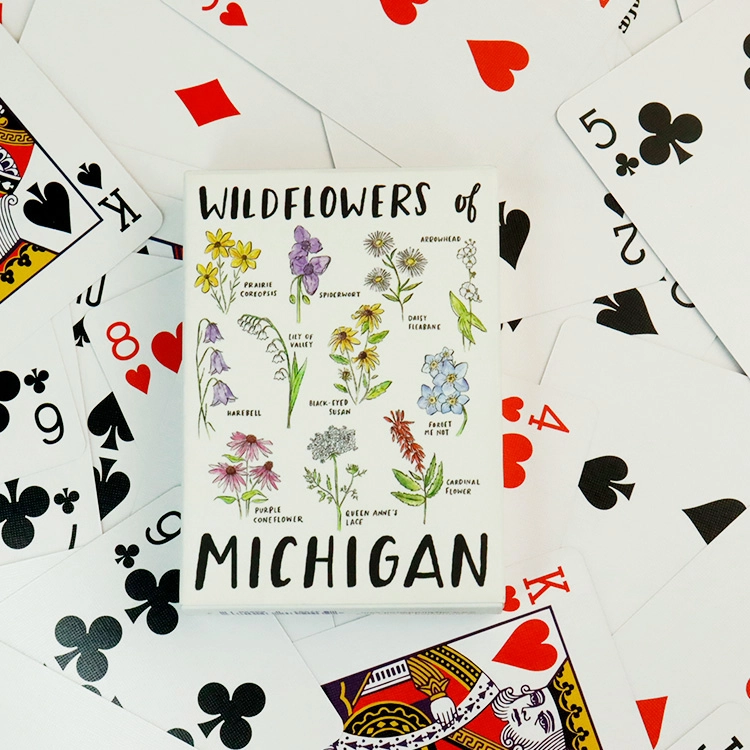
High Quality Eco-Friendly Durable Personalized Design Wildflowers Playing Cards with Custom Design Logo and Box
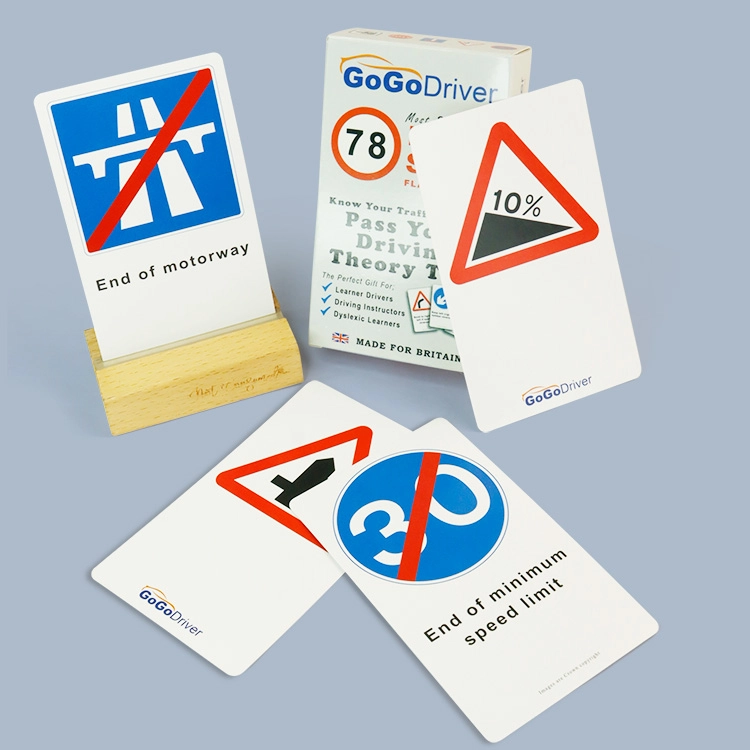
OEM Custom Driving Theory Cards | Personalized Traffic Rules & Test Prep Flashcards in Multiple Languages for Wholesale
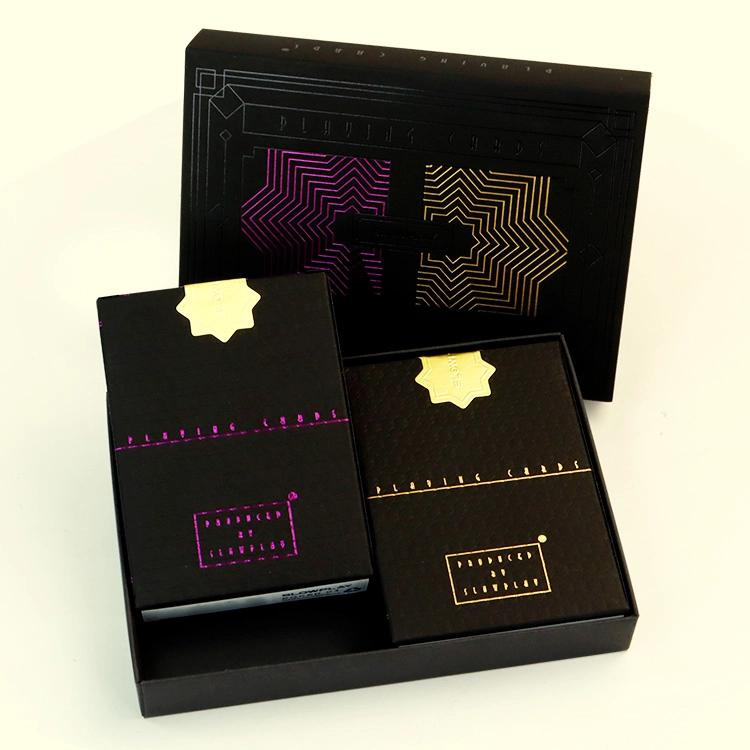
Custom Printing Luxury Two Sets Plastic Poker Playing Cards with Customized Packing
bbilaser
sq_AL